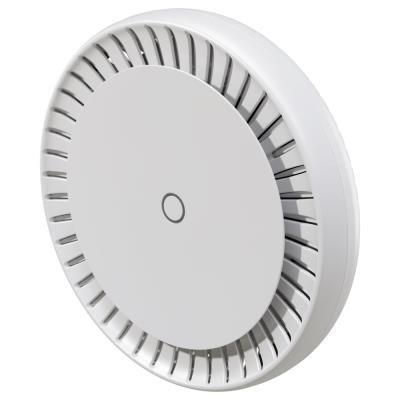
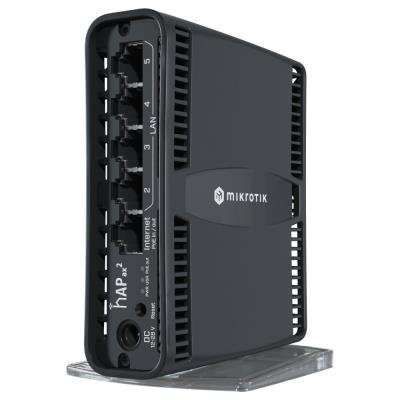
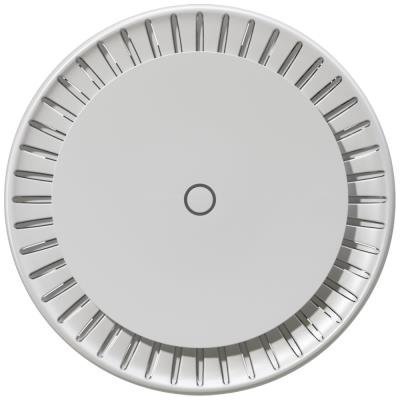
MikroTik C53UiG+5HPaxD2HPaxD, hAP ax3, 4x GbE, 1x 2.5 GbE, 2.4+5GHz Wi-Fi 6, USB 3.0, USB, PSU. L4
(Code:NABMKR1187)
| Stock availability: | |||
|---|---|---|---|
| Brno - main store | Prague - main store | ČB | |
| May be 28.6 | 26.6. | May be 28.6 | |
To view the price and add product into cart, you need to be logged in.
| Code | NABMKR1187 |
| PN | C53UiG+5HPaxD2HPaxD |
| EAN | 4752224007940 |
| Warranty | 26 months |
| WWW | Manufacturer's webpage |
| Brand |
MIKROTIK
SIA Mikrotikls
|
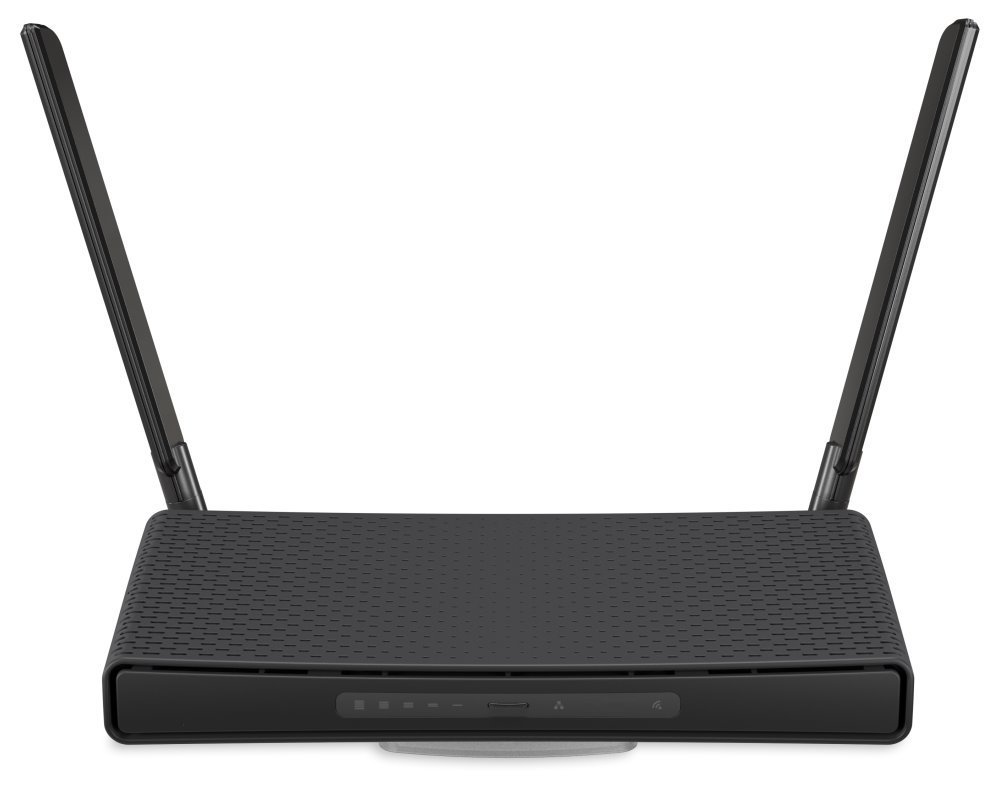


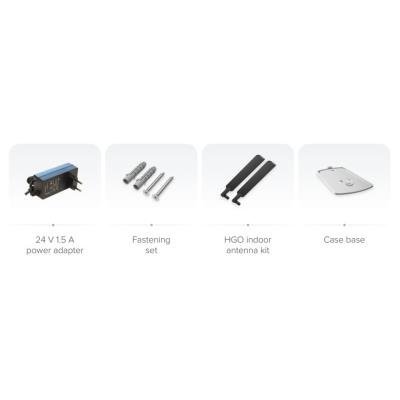
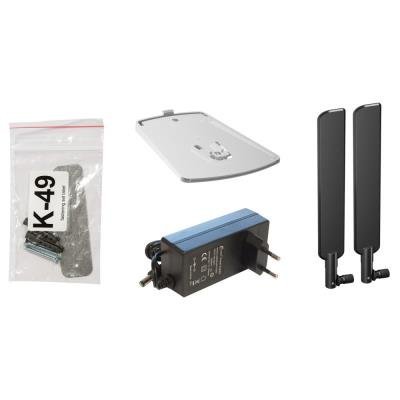
Our top-of-the-line AX home access point! With all the processing power and speed your household might ever need.
- Powerful 1.8 GHz ARM cpu
- 802.11ax + Wave2
- Strong dual-band, dual-chain wireless (up to 5.5 dbi!)
- 4x Gigabit Ethernet ports
- PoE-in & PoE-out
- WPA3
Ultimate power for your whole home
hAP ax3 is our most powerful AX device with the best wireless network coverage so far. It features a modern quad-core ARM CPU running at 1.8 GHz and enough memory (1GB RAM + 128 MB NAND) for most tasks. Complex firewall rules, IPsec hardware encryption, Wireguard, BGP, advanced routing, or multiple remote work VPN tunnels won’t stop your family from comfortable browsing, streaming, gaming, and so on. There’s enough processing power for everyone. And we’ve added a speedy USB 3 port for all your storage purposes or an additional LTE modem.
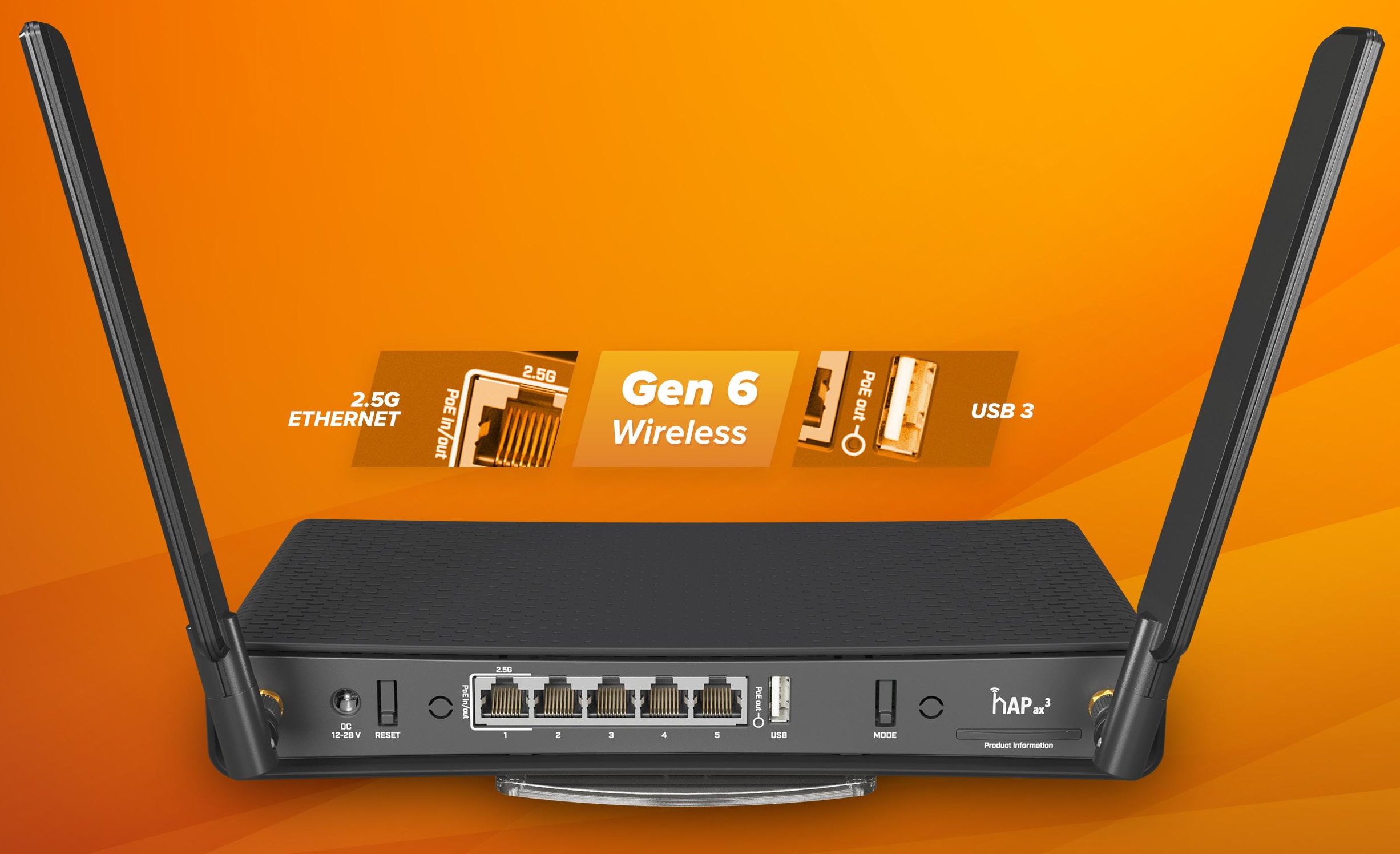
AX wireless – as strong as an ox
Depending on your overall setup, our AX product family offers up to 40% higher speed in the 5 GHz and up to 90% higher speed in the 2.4 GHz spectrum! Potent external antennas allow reaching gain up to 5.5 dBi, so you can forget about Wi-Fi Boosters and other tricks. Smooth and fast connectivity for your whole apartment – that’s just how hAP ax3 works.
Safer in many ways
hAP ax3 can ease your mind on multiple levels simultaneously. European-based production, our famous Northern work ethic, and cooperation with the EU lawmakers ensure full compliance with all the necessary safety policies. Multiple power options (DC Jack & PoEin) result in fewer worries about potential downtime. The latest RouterOS v7 updates and the addition of WPA3 advanced encryption support bring unprecedented software security.
To sum things up - hAP ax3 is among the fastest, safest, and most powerful choices in the home access point world. Wired or wireless. And it comes with the most advanced networking software on the market – RouterOS. Unlike many other vendors, we don’t limit what you can do. There are no paywalls or confusing subscriptions. All our devices share the same limitless operating system. Imagination is the only limitation.
Specifications
Product code: C53UiG+5HPaxD2HPaxD
CPU: Quad-Core IPQ-6010 1.8 GHz
CPU architecture: ARM 64bit
Size of RAM: 1 GB
Storage: 128 MB, NAND
Number of 1G Ethernet ports: 4
Number of 2.5G Ethernet ports: 1 (supports PoE-in/out)
USB: 1 USB 3 type A
Switch chip model: IPQ-6010
Wireless interface model: QCN-5022 (2.4 GHz), QCN-5052 (5 GHz)
Wireless: 2.4 GHz 802.11b/g/n/ax dual-chain, 5 GHz 802.11a/n/ac/ax dual-chain
Wireless antenna max gain: 2.4 GHz (3.3 dBi), 5 GHz (5.5 dBi)
Dimensions: 251 x 130 x 39 mm
Operating system: RouterOS, License level 6
Operating temperature: -40°C to +70°C
Powering
Number of DC inputs: 2 (PoE-in, DC jack)
PoE-in input Voltage: 18-28 V
DC jack input Voltage: 12-28 V
PoE-out: Passive PoE Ether1, max out per port output (input < 30 V): 0.625 A
Total output power: 15 W
Power adapter nominal voltage: 24 V
Power adapter nominal current: 1.5 A
Max power consumption (without attachments): 15 W
Max power consumption: 38 W
The new innovative Container Apps feature allows you to run containerized applications directly in RouterOS without the need for an additional server or external hardware. Compared to the previous container support in RouterOS v7, it offers significantly simpler management, a centralized application catalog, and new usage scenarios. A router with ARM64 architecture and MikroTik RouterOS version 7.21 or later is required.
Useful links and videos:
 Declaration of Conformity + User Manual
Device Setup via Quick Set Guide
 Mobile App for Device Control
Resetting Device, Reset Button Functions
RouterOS Recovery using Netinstall Utility
Load Balancing Configuration (Traffic Splitting Between Multiple Internet Connections)
Failover Setup (Switching to Backup Link in Case of Failure)
Multiple uplinks using PCC & Load balancing
Static NAT & RouterOS
MikroTips: Netinstall